
Free gift
VIOLA VOICE
VIOLA VOICE
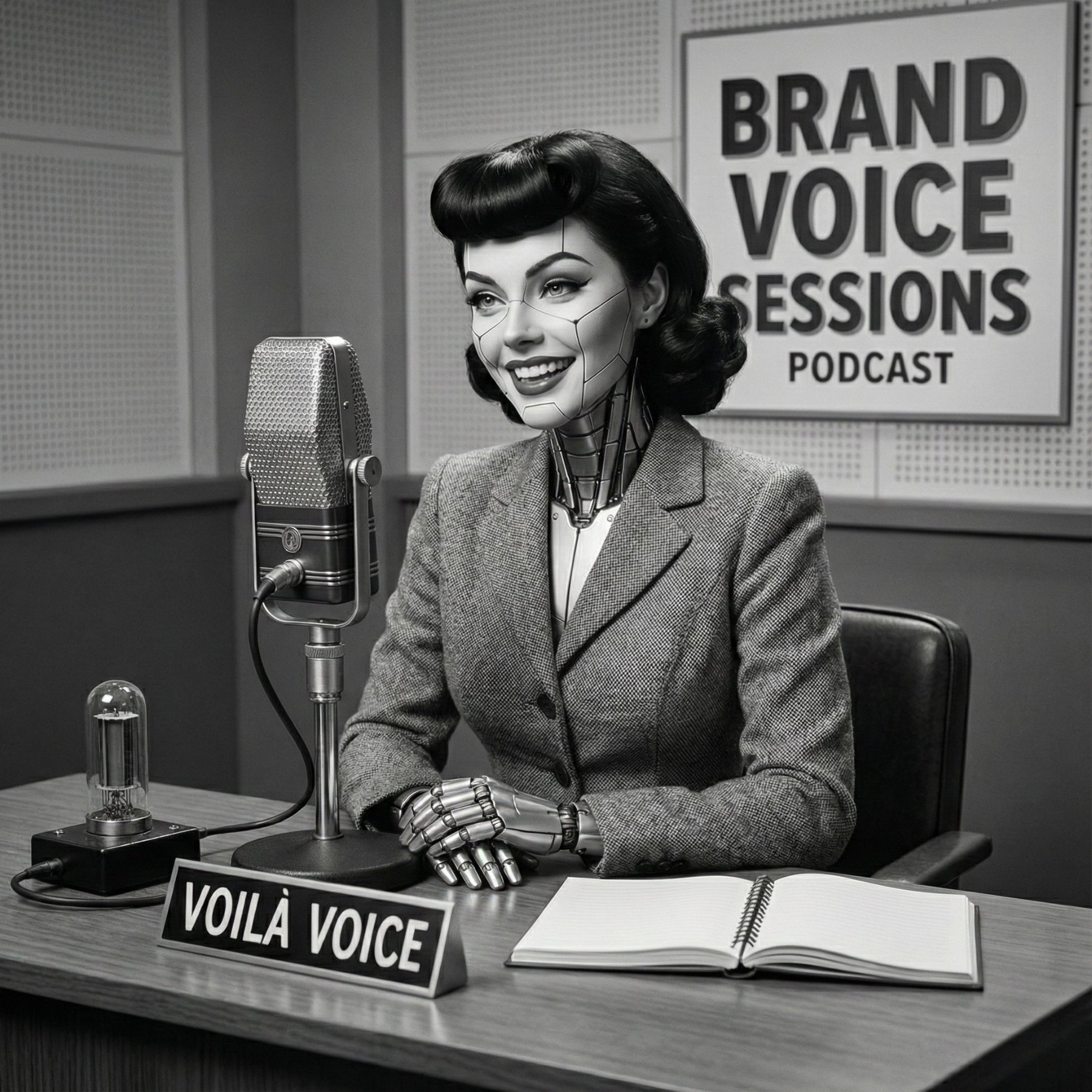
Viola asks the questions. You just talk. Twenty minutes later you've got your voice and your core message documented, in your own words, not AI's best guess at them. Two versions, same interview: a custom GPT and a Claude skill.
Same voice interview, two ways to take it. Talk to Viola in ChatGPT and walk away with a written Brand Voice Blueprint. Or install the Voice Builder skill in Claude and walk away with a reusable custom skill that writes in your voice from now on. Pick the tool you already live in.
Not a questionnaire. A real conversation, 18 to 20 questions, that pulls out how you actually talk and what you actually want to say.
You only need one. Go with whatever's already open on your screen.
Best for: you already live in ChatGPT.
Best for: your business already lives in Claude.
Viola hosts the Brand Voice Sessions. She asks 2 to 3 questions at a time, 18 to 20 total, and if you're on the app or desktop, hit the microphone and talk instead of typing. Your spoken voice is the whole point.
"Okay, forget LinkedIn. If someone asked what you do at a party or in line at Target... what would you actually say?"
Real question from the interview. No "tell us about your brand" corporate stuff.
Viola hands you a full Brand Voice Blueprint in Canvas. Upload it to your My Business Project (or any project that writes content for you) and brief your team with it, it's the reference for anyone writing as you from now on. Haven't set up your projects yet? Join AI Skool of Business and I'll walk you through it.
Same interview as Viola, but it happens inside Claude and builds you a custom MyVoice skill instead of a document, one that writes in your voice in every future chat.
Works across every chat once it's in.
The Skills feature needs code execution turned on. If you don't see Skills, go to Settings → Capabilities and toggle on "Code execution and file creation" first.
Run the interview inside a Claude Project that already has your business context in it. The skill it builds you will pull from both, how you sound and what you're actually selling.
Same flow whichever door you picked.
Answer 18 to 20 questions, 2 to 3 at a time, about how you talk and what you want to say.
Use your voice, not your keyboard, whenever you can. Hit the mic and talk like you're explaining something to a friend.
Walk away with a Brand Voice Blueprint (ChatGPT) or your own MyVoice skill (Claude), built from what you actually said, not a guess.
Either way you get: your background, your brand identity, your core messages, your signature phrases, on-brand and off-brand words, platform guidelines, and a sample paragraph written in your exact voice.
No writing samples requested, no old content analyzed. Just a real conversation that catches your actual phrases, your rhythm, and the messages you keep coming back to, then documents it so specifically it could only be you.
Use the microphone whenever you can. Spoken answers catch your real rhythm in a way typed ones flatten out.
First answer, not the polished one. The gut reaction is usually the more honest, more on-brand version.
Picture explaining it over coffee, not presenting to a client. That's the voice worth capturing.
You don't need both doors. Pick the tool you open every day and go. Running the interview twice just gives you two documents to reconcile.
Voice Builder already lives inside AI Skool of Business, right next to everything else I build for running a business on AI. Join the community and it's all unlocked, no separate freebie hunt every time you need the next tool.
You just got the interview most people skip and try to fake with a prompt instead. Talk it through once, and every piece of content you write from here on starts closer to done.